Context Engineering for Agents: A Goal, a Map, and a Way to Know It Arrived

Over the last few posts, I've worked through the five doc types that configure AI agents, why they count as internal documentation, and how to write skills and score them. Each post answered a "what is this file" question. The question I keep getting in response is the next one: what actually goes inside these files, and why?
That's a context-engineering question. Andrej Karpathy coined the term on X in 2025: "Context engineering is the delicate art and science of filling the context window with just the right information for the next step...Too little or of the wrong form and the LLM doesn't have the right context for optimal performance. Too much or too irrelevant, and the LLM costs might go up, and performance might come down."
The discipline that makes that balance possible is progressive disclosure: surface only what the agent needs for the current step, and let the rest stay one link or one tool call away. Technical writers already know this move — it's how a good README opens with a summary and pushes the detail out to dedicated pages, or how a tutorial introduces the happy path before the edge cases. Context engineering applies the same idea to the agent's working memory.
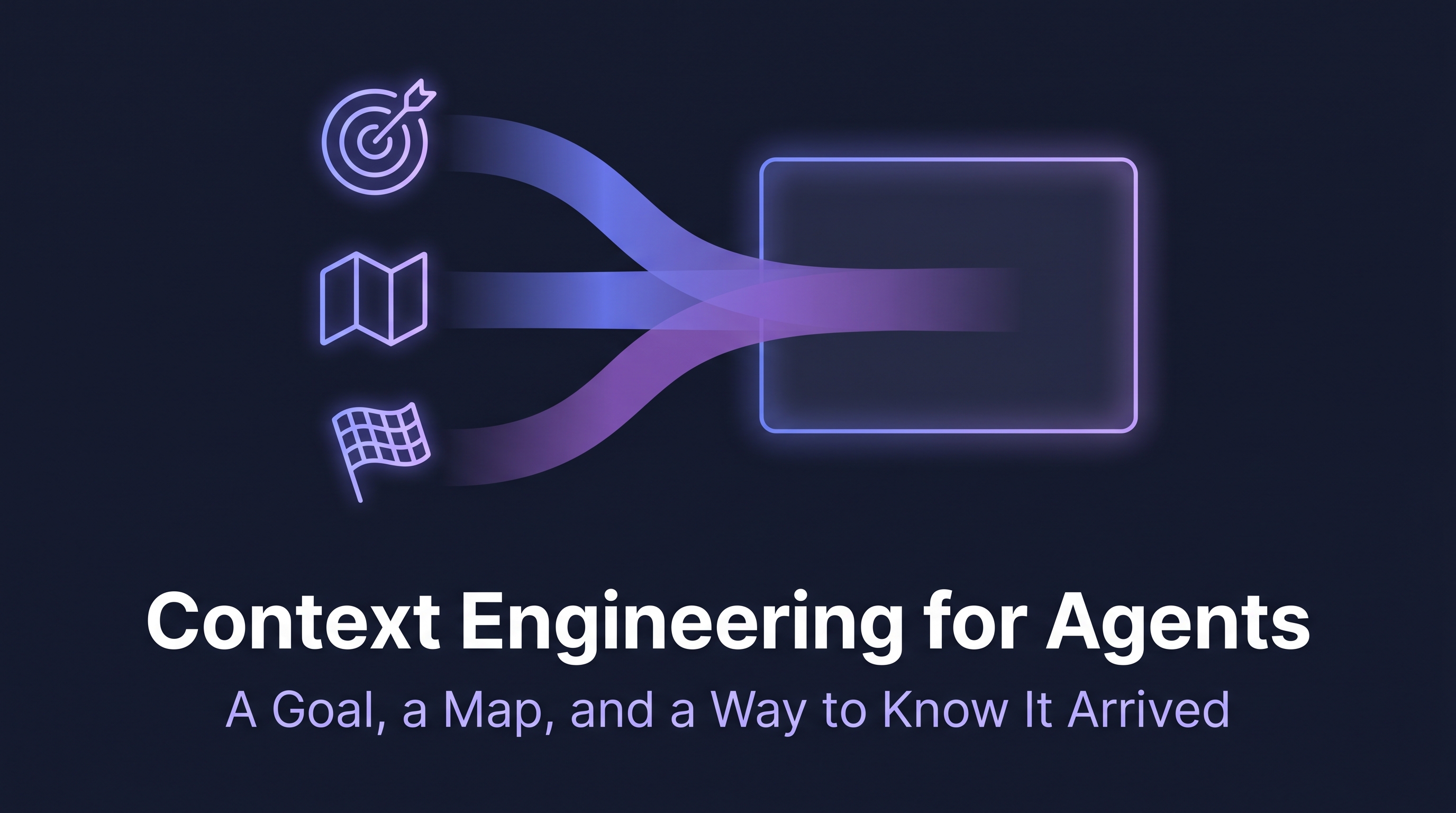
This post is the practical version of that idea. Three things every agent needs to be successful, and where each of those three things lives in a repo.
Why this matters more than it looks
A coding agent isn't a single prompt. It's a language model running in a loop with tools — read a file, reason about it, run a command, observe the result, decide the next move, repeat. A single user request can fire off dozens of these turns. On every one of them, the agent re-reads its context window. That's the slot you engineer carefully, because everything you put in it competes for space.
The cost of getting this wrong is concrete. Gloaguen et al. (2026) evaluated repository-level context files across coding agents and found that comprehensive context files reduced task success rates compared to providing no context at all, while raising inference costs by over 20%. Front-loading more is a tax, not a feature.
A goal, a map, and a way to know it arrived
So what should you load? The framework I keep coming back to boils it down to three things.
A goal
Agents execute instructions, not intent. Give them one unambiguous objective.
❌ "Update the docs based on this file."
✅ "Update the Create Foobar how-to guide based on
   the new `flibbertyGibbet` field in the API. Context attached."
Vague goals fail by drift. The agent picks the most plausible interpretation of what you might have meant, finishes the loop, and hands you something that's almost what you wanted. Ask for "updated docs" and you'll get a rewrite when you wanted a patch. Then you debug a generation problem that was actually a goal-statement problem. Spend the extra ten seconds on the goal sentence.
A map
An agent without context is a new hire with no onboarding. The map covers five things they'd otherwise have to guess at: the domain, the constraints, the tools available, the shape of the data, and what's out of scope. Gather all five (or the agent's ability to access them through tools, such as through an MCP server) before you ask the agent to do any work.
❌ "Here's the data. Go."
✅ "Here's the data, the schema, the edge cases to watch
   for, what we don't want to include in the doc, and
   what's not your job."
The "what's not your job" line is the one most people skip and most agents need. Bounding the scope is part of the map. So is being explicit about the tools available; an agent that doesn't know it has shell access will reason about file edits as if they're hypothetical.
A way to know it arrived
How does the agent know it's done? Define the finish line. What conditions need to be met, formats returned, or files written? An agent without exit criteria is a recipe for you to not get the result you want.
❌ "Update the OpenAPI docs."
✅ "Update the protos, generate the OpenAPI docs, and
   validate that the output matches the supplied context
   for the new API field. Stop after three attempts."
The "stop after three attempts" is doing a lot of work. Without it, the agent can spin indefinitely against a brittle build step, burning tokens on a problem you'd rather see escalated to a human. Exit criteria are about providing clear failure modes as much as they are about defining success.
A goal, a map, a way to know it arrived. Get those three right, and the agent has a job. Miss one, and you've got a wandering process.
Where does it all go?
Once you know what to provide, the next question is where to put it. A prompt isn't the only place, and for anything you'll do more than once, it shouldn't be. Four slots cover what an individual agent loads, plus a fifth for handoffs between agents.
| Frequency | Lives in | Best for |
|---|---|---|
| Once, for a session | The prompt | Goal + exit criteria, plus any session-specific context |
| Once, for a project | AGENTS.md / CLAUDE.md / GEMINI.md | Persistent context: rules, conventions, escalation paths |
| Once, for a role | Custom agent | Scoped behavior, role-specific exit criteria |
| Once, for a task | SKILL.md | Task goal + exit criteria, repeatable procedure |
The prompt is your requirements spec for the session. Always include the goal and the exit criteria. You can include everything else here too, but for repeated tasks that becomes cumbersome, which is what the other three slots are for.
CLAUDE.md and AGENTS.md carry project-level guidance. Write it once, and every session inherits it. This is where escalation paths, naming conventions, and "always run these checks before committing" rules belong. It's not the place for task-specific goals — keep those in the prompt or the skill. And keep this file tight: Vercel reduced their AGENTS.md-style context from 40KB to 8KB by replacing inlined content with compressed links, an 80% cut. That's thousands of tokens you don't pay every conversation.
Custom agents define specialist roles with scoped behavior. A reviewer agent has different exit criteria than a writer agent. A researcher agent has different tools available than a publisher agent. Write the role's behavior rules and exit criteria here. A specialist agent with a generalist mandate defeats the point of scoping.
SKILL.md files hold reusable task-level guidance. Always include the task goal and exit criteria. Compose smaller skills into higher-level workflows.
Here's what those four slots look like in a generic project layout:
your-project/
├── AGENTS.md                 ← project-level context (or CLAUDE.md or GEMINI.md)
├── .agents/                  ← general agent configuration files (`.claude/` for Claude)
│   ├── agents/
│   │   └── <role>.md         ← role context + exit criteria
│   ├── skills/
│   │   └── <task>/
│   │       └── SKILL.md      ← task goal + exit criteria
│   └── commands/             ← optional: reusable prompts
│       └── <command>.md      ← goal + exit criteria for a session
└── src/                      ← the rest of the project
Read top-to-bottom: rules that apply to everything, then roles that apply within those rules, then tasks those roles execute, then prompts that kick off sessions. Each slot answers a different question the agent needs answered before it can act.
What about handoffs?
The four-place model accounts for everything an individual agent loads into its window. But the series so far has covered five doc types, not four. The fifth — orchestration patterns — is what wires the slots together when you have more than one agent or task in a workflow. (A future post will go deep on these; this section is the placeholder for how they fit the framework.)
Pipelines. Fan-out/fan-in (one agent splits work to several, another stitches the results together). Conditional routing (low-confidence drafts to a human, high-confidence drafts straight to publish). Feedback loops (re-run a generation with new context after an eval fails). Each pattern is a rule for how one agent's output becomes the next agent's input.
An example: in a fan-out documentation workflow, a researcher agent's output (a structured summary of an OpenAPI endpoint) becomes the writer agent's context. The writer's output (a draft) becomes the reviewer's context. The reviewer's exit criterion ("route to writer agent if vale check fails") determines whether the draft proceeds or routes back. None of those handoffs happen in a single context window. They happen in the orchestration pattern that defines the workflow.
Orchestration patterns aren't loaded into a context window the way the other four are. They live in the wiring, not in the slot. But they belong on the same shelf because every handoff is a re-statement of the three things, scoped to the next agent in line.
Three things, four files to house them, plus one pattern for how those places connect. That's the whole picture.
In an actual repository
Idealized layouts make the model legible, but real repos are messier. Here's agent-tools, the public repo I use to maintain Doc Detective's agent integrations, with the slots labeled:
agent-tools/
├── README.md
├── GEMINI.md                          ← project context (the AGENTS.md slot)
├── agents/
│   └── doc-detective-specialist.md    ← role context + exit criteria
├── commands/
│   ├── doc-detective-test.md          ← wrapped prompt: goal + exit criteria
│   ├── doc-detective-generate.md
│   └── doc-detective-validate.md
├── skills/
│   ├── doc-detective-test/SKILL.md    ← task goal + exit criteria
│   ├── doc-detective-generate/SKILL.md
│   └── doc-detective-validate/SKILL.md
└── plugins/
    └── doc-detective/
Walk a real session through it. A user wants to validate that the procedures in their docs still work. They invoke /doc-detective-test, which loads the prompt at commands/doc-detective-test.md — a goal with exit criteria and an orchestration pattern. The agent that picks it up also automatically loads GEMINI.md for project rules. Following the orchestration pattern, the agent reads agents/doc-detective-specialist.md for its role, then loads the relevant SKILL.md for the procedure. By the time it makes its first tool call, the three things are in the window: the goal from the command, the context from the project file and the agent definition, and the exit criteria from the skill (re-stated in the command).
The handoffs are implicit in the skill chain. doc-detective-generate produces a test spec; doc-detective-validate checks it; doc-detective-test runs it. Each transition is the orchestration pattern in action, with the previous skill's output becomes the next skill's context, and the next skill re-declares its own goal and exit criteria.
A clean diagram can't fit any of this. Real repos use vendor-specific filenames (GEMINI.md instead of AGENTS.md), nest some slots and flatten others, and let some patterns live implicitly in the way skills are named and chained. The model is the same. The mapping takes a minute.
Three things, five places
Context engineering is a discipline name for what writers have always done when figuring out what readers need to know and where it belongs. The agent version is structurally similar with two new constraints: the reader is an LLM that re-reads its context on every turn of a loop, and the cost of loading the wrong thing isn't only confusion — it's measurable degradation, with research showing that comprehensive context files can reduce task success.
Every agent needs three things: a goal, a map, a way to know it arrived. Those three things can live in five places: the prompt, the project file, the agent, the skill, and the orchestration pattern that strings them together. We'll go deeper on the trickier parts in the future, orchestration patterns in particular, but for now open your repo, pick one skill, and check whether its exit criteria are written down. If they aren't, you've already found your next ten minutes of work.
This content and more is covered in Docs as Tests & AI: A Strategy for Self-Healing Technical Documentation, my book on how to build trust into agentic workflows, including how to use agents to maintain documentation.